
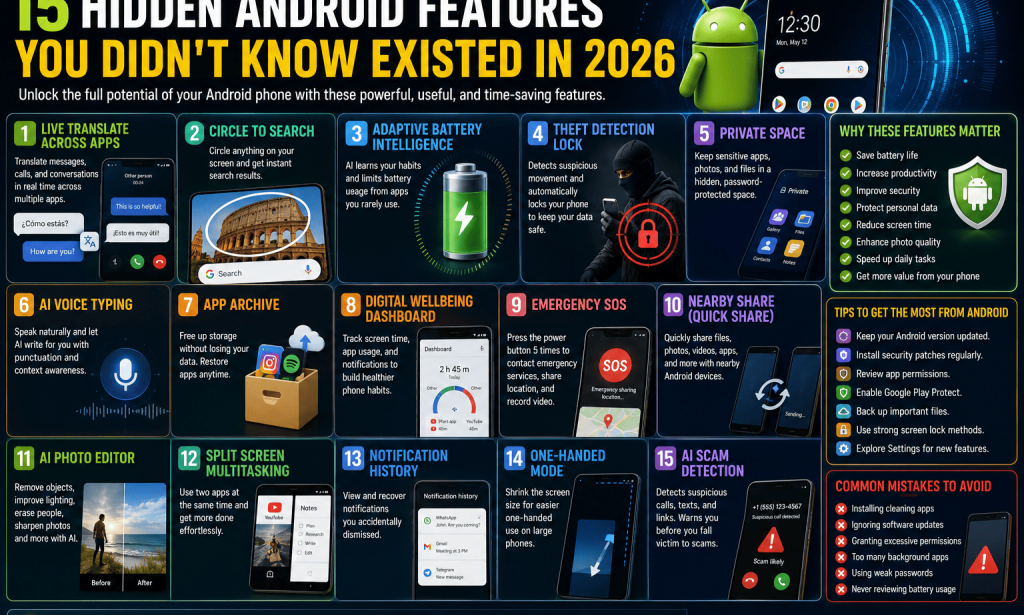
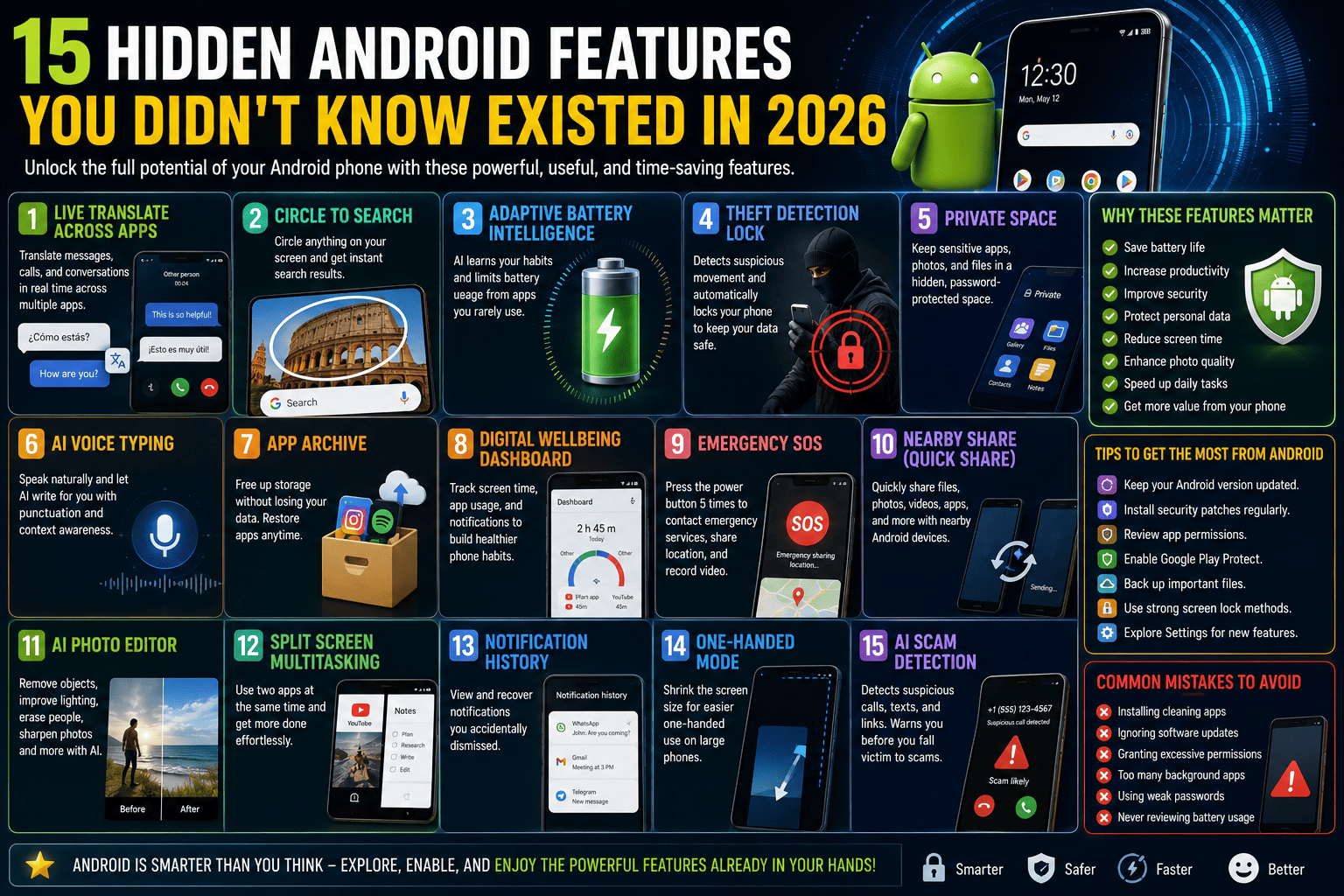
 15 Hidden Android Features You Didn't Know Existed in 2026
Android has become the world's most popular mobile operating system, powering billions of smartphones across the globe. Every year, Google introduces new features that make Android smarter, faster, and more secure. However, many users only scratch the surface of what their devices can actually do.
If you've been using the same Android settings for years, you're likely missing out on tools that can save time, improve privacy, and make everyday tasks much easier. Let's explore fifteen hidden Android features you should start using in 2026.
1. Live Translate Across Apps
Modern Android phones now offer built-in live translation that works across messaging apps, emails, and even video calls. Instead of copying and pasting text into a translator, your phone can instantly translate conversations in real time.
This feature is especially useful for travelers, international business professionals, and language learners.
Benefits
- Real-time translation
- Supports multiple languages
- Works inside supported apps
2. Circle to Search
One of Android's smartest features lets you search anything on your screen without switching apps.
Simply circle an image, object, or text with your finger, and Google instantly provides relevant search results.
This works great for shopping, identifying landmarks, translating text, and learning about unfamiliar objects.
3. Adaptive Battery Intelligence
Many people complain about poor battery life without realizing Android already includes an AI-powered battery management system.
Adaptive Battery learns your usage habits and limits battery consumption from apps you rarely use.
Over time, this significantly improves battery performance.
4. Theft Detection Lock
Android now includes AI-powered theft protection.
If someone suddenly grabs your phone and runs away, your device can automatically detect suspicious movement and instantly lock itself before thieves gain access.
This adds an important layer of security.
5. Private Space
Private Space creates a hidden, password-protected area where you can store sensitive apps, photos, documents, and personal files.
Apps inside Private Space remain completely separate from your main profile.
It's perfect for banking apps, confidential documents, and private photos.
6. AI Voice Typing
Voice typing has become incredibly accurate thanks to AI.
Instead of slowly typing messages, emails, or notes, you can simply speak naturally.
Android automatically adds punctuation, understands context, and recognizes multiple languages.
This feature dramatically increases productivity.
7. App Archive
Don't want to uninstall an app completely?
Android's App Archive feature removes most of the app's storage while preserving your personal data.
When you reinstall the app later, everything returns exactly as you left it.
This helps free storage without losing information.
8. Digital Wellbeing Dashboard
Many people underestimate how much time they spend on their phones.
Digital Wellbeing tracks screen time, app usage, notifications, and unlock frequency.
You can even set daily limits to reduce social media addiction.
9. Emergency SOS
Android now includes powerful emergency features.
Press the power button multiple times, and your phone can automatically:
- Contact emergency services
- Share your live location
- Notify emergency contacts
- Record emergency video
This feature could prove life-saving during dangerous situations.
10. Nearby Share (Quick Share)
Sharing files between Android devices has never been easier.
Quick Share allows you to send:
- Photos
- Videos
- Documents
- Contacts
- Apps
without needing Bluetooth pairing or messaging apps.
Transfers are fast and secure.
11. AI Photo Editor
Modern Android phones now include built-in AI editing tools.
You can:
- Remove unwanted people
- Erase objects
- Improve lighting
- Sharpen blurry images
- Expand backgrounds
without installing professional editing software.
12. Split Screen Multitasking
Many users forget Android supports multitasking.
Split Screen lets you use two apps simultaneously.
For example:
- Watch YouTube while taking notes.
- Browse the web while chatting.
- Read PDFs while answering emails.
This greatly improves productivity on larger displays.
13. Notification History
Ever accidentally dismissed an important notification?
Android keeps a hidden Notification History log.
You can review previously cleared notifications without asking someone to resend messages.
It's a small feature that saves a lot of frustration.
14. One-Handed Mode
As smartphones become larger, reaching the top of the screen becomes difficult.
One-Handed Mode temporarily shrinks the display, making every corner easier to reach.
This is particularly useful when walking or carrying bags.
15. AI Scam Detection
One of Android's newest security improvements uses artificial intelligence to detect suspicious phone calls, text messages, and phishing attempts.
If the system detects potential fraud, it warns you before you share sensitive information.
As cybercrime continues to increase, this feature provides valuable protection.
Why These Hidden Features Matter
Many smartphone users only utilize about 30–40% of their device's capabilities. Learning these hidden Android features can help you:
- Save battery life
- Increase productivity
- Improve security
- Protect personal data
- Reduce screen time
- Enhance photo quality
- Speed up daily tasks
- Get more value from your smartphone
Instead of downloading dozens of third-party apps, many of these functions are already built directly into Android.
Tips to Get the Most from Your Android Phone
To maximize your smartphone experience:
- Keep your Android version updated.
- Install security patches regularly.
- Review app permissions every few months.
- Enable Google Play Protect.
- Back up important files to the cloud.
- Use strong screen lock methods such as fingerprint or face recognition.
- Explore the Settings app periodically to discover newly added features.
Small adjustments can make your phone faster, safer, and easier to use.
Common Mistakes Android Users Make
Many people unknowingly reduce their phone's performance by:
- Installing unnecessary cleaning apps.
- Ignoring software updates.
- Granting excessive app permissions.
- Keeping too many background apps running.
- Using weak passwords.
- Never reviewing battery usage.
Avoiding these mistakes helps your device remain efficient for years.
The Future of Android
Android continues to evolve rapidly, with artificial intelligence becoming deeply integrated into the operating system. Future updates are expected to introduce even smarter assistants, better privacy controls, advanced on-device AI, improved battery optimization, and enhanced cross-device connectivity.
As AI becomes more capable, smartphones will increasingly anticipate user needs, automate repetitive tasks, and provide personalized experiences without compromising privacy.

You must be logged in to post a comment.